Free snowboard templates: PDF and PSD
Outlines of 10 popular snowboards as print-ready PDFs and layered PSD files for Photoshop. Use them to sketch a graphic, lay out artwork in your own design app, or brief a print shop.
Download a template
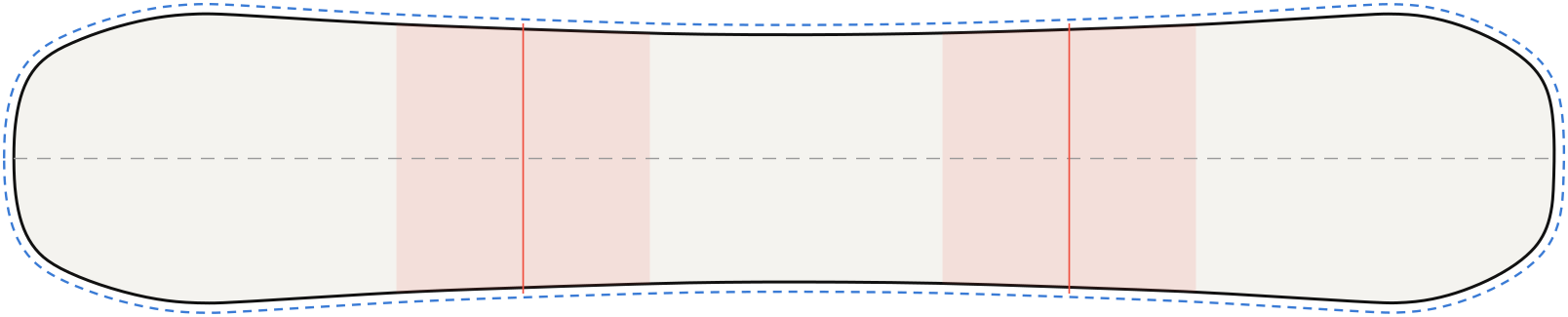 PDFPSDStudio
Burton Custom Camber
158 cm · directional
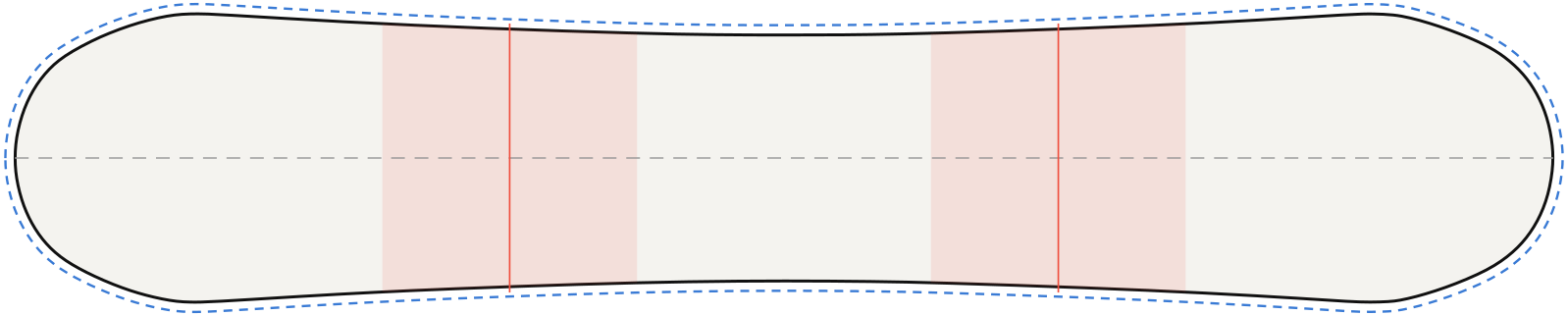 PDFPSDStudio
Burton Process Camber
157 cm · twin
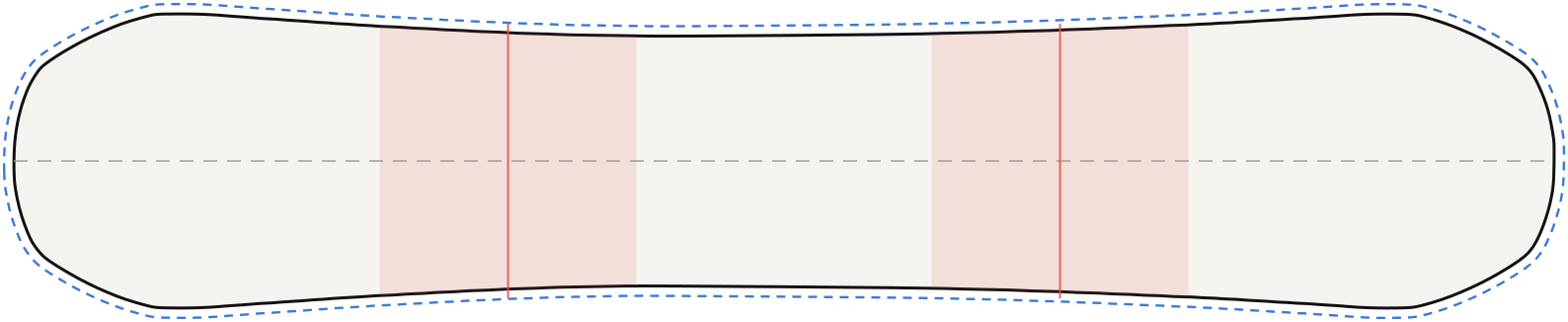 PDFPSDStudio
CAPiTA Defenders of Awesome (D.O.A.)
156 cm · twin
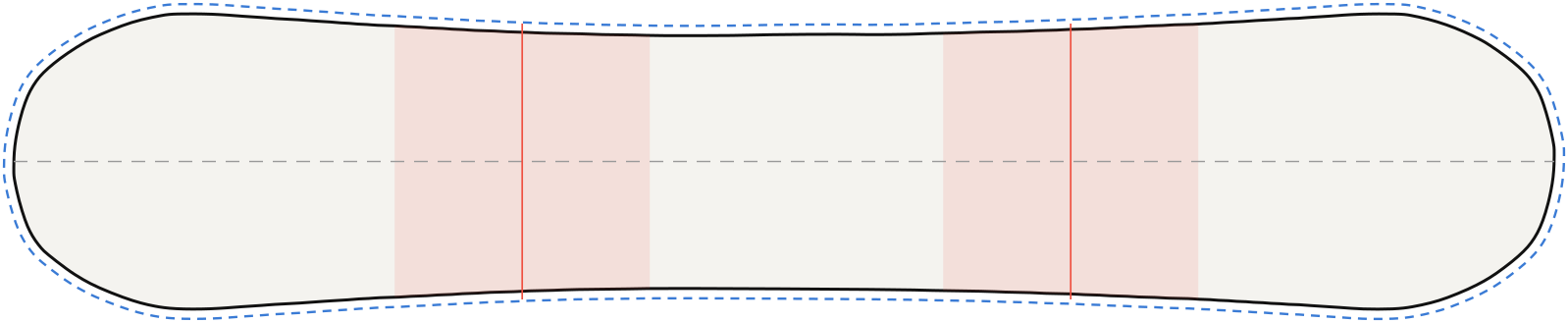 PDFPSDStudio
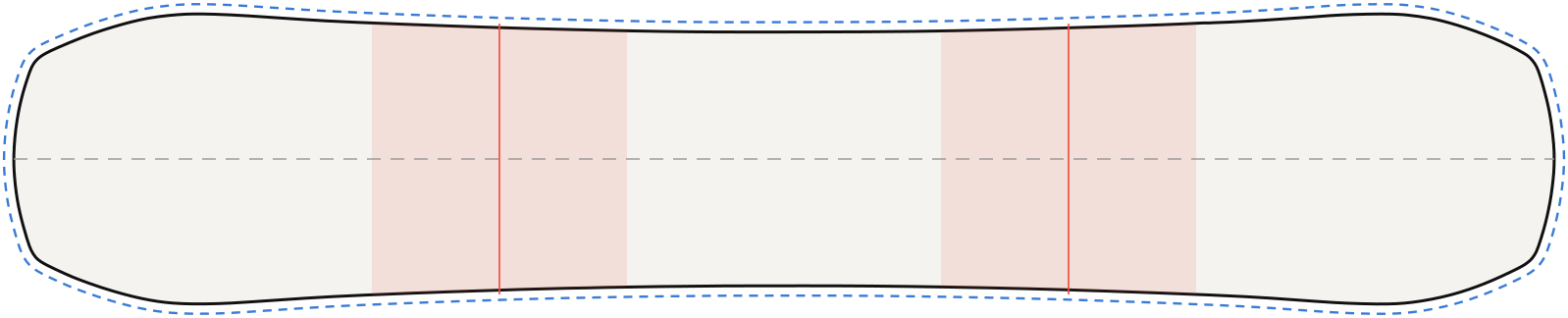
CAPiTA Mercury
157 cm · directional
 PDFPSDStudio
Jones Mountain Twin
157 cm · directional twin
 PDFPSDStudio
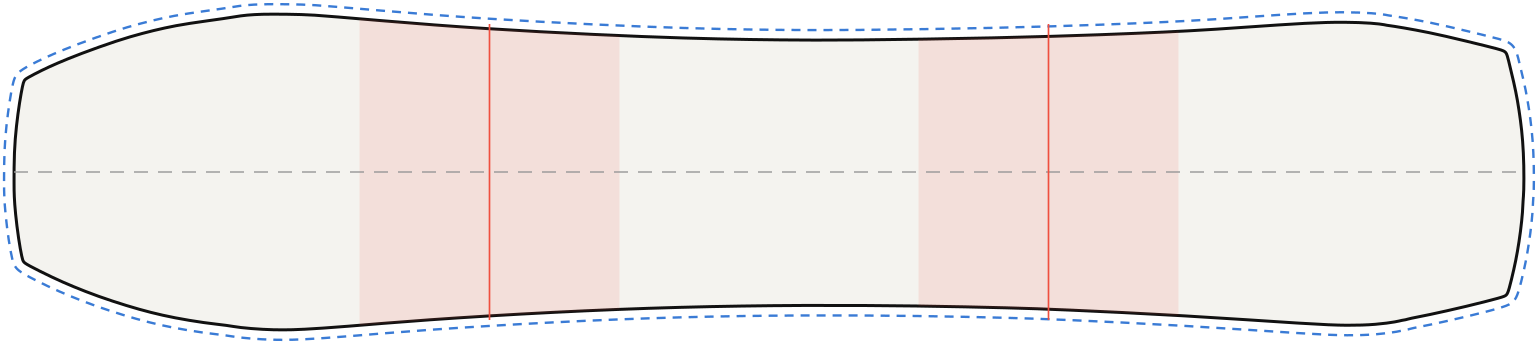
Jones Flagship
161 cm · directional
 PDFPSDStudio
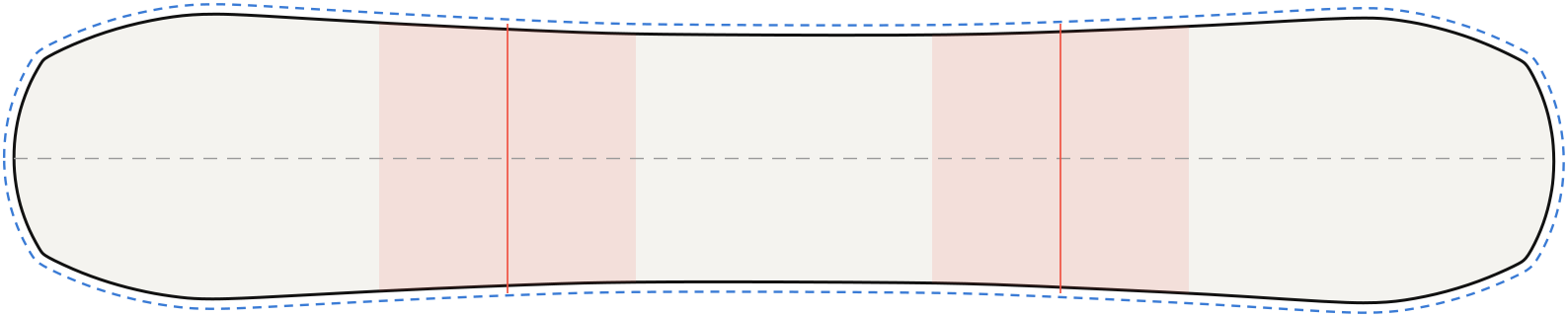
RIDE WARPIG
151 cm · directional
 PDFPSDStudio
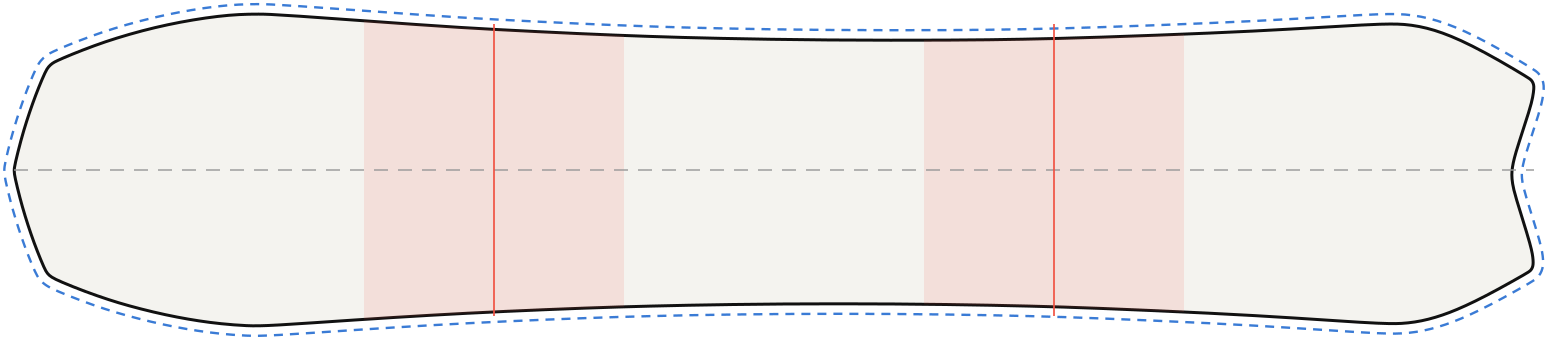
Salomon Assassin
156 cm · directional twin
 PDFPSDStudio
Salomon Dancehaul
152 cm · directional
 PDFPSDStudio
Nitro Team
152 cm · directional twin
Each outline is traced from the maker's published topsheet image at the size shown. Boards vary by size and model year, so measure your own board before printing. We are not affiliated with these brands. Free for personal use.
What is in each PDF and PSD
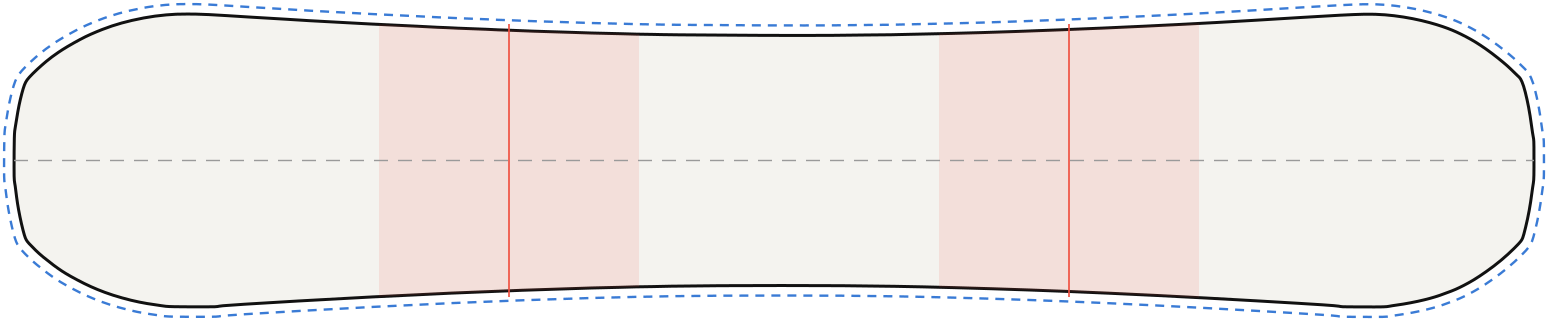
- Page 1, overview (A4): the board outline with nose and tail marked, the bleed line, the centre line, the areas the bindings cover at the reference stance, and the key measurements.
- Page 2, actual size: the outline at 1:1 with a 10 mm bleed line, crop marks and a 100 mm scale bar to check the print scale. Import it into a vector or image editor as a guide layer.
- PSD, actual size at 150 PPI: a layered Photoshop file with an empty artwork layer and separate guide layers for the outline, the bleed line, the binding areas and the centre line. Design on the artwork layer, then hide the guide layers before you export for printing. It also opens in Photopea, GIMP and Affinity Photo.
How to use a snowboard template
- Pick the closest board. Choose your model, or the one nearest in length and shape.
- Check it against your board. Compare the length and the nose, waist and tail widths with your own measurements.
- Place the artwork. Run backgrounds out to the bleed line. Keep faces and text away from the binding areas and a little way in from the edges.
- Send the right file. Ask your print shop which file size, bleed and format they want before you export.
Want to make a template for a board that is not listed? Read how to make a snowboard design template.
Frequently asked questions
Are these snowboard templates free?
Yes. Download and use them for your own board designs. Please do not resell the files.
Is there a PSD snowboard template for Photoshop?
Yes. Every board has a layered PSD at actual size and 150 PPI, with the guides on their own layers above an empty artwork layer. Hide the guides before you export the print file.
Are the outlines exact?
They are traced from each maker's published topsheet image at one size, so they are close but not factory drawings. Measure your board and leave the bleed your print shop asks for.
How do I print the actual-size page?
Print page 2 at 100% scale with no fit-to-page option, then check that the scale bar measures 100 mm. A full board needs a large-format printer, so most people send it to a print shop.
Why are the binding areas marked?
Bindings and boots cover the middle of the board where you stand. The shaded areas show what is hidden at the reference stance, so you can keep key art visible.
My board is not on the list. What now?
Use the closest length and shape, or design in the Studio, which has 86 board outlines. You can also send us a board request.